eBay gift cards are widely used across the world for online shopping, and many users in Nigeria and Ghana receive them as gifts, rewards, or international payments. In 2026, eBay gift cards remain valuable because they can be used to buy a wide range of items, from electronics and fashion to tools and collectibles. However, many people are unsure about how to redeem an eBay gift card correctly on the official website.
Redeeming it the right way helps you avoid errors, protect your balance, and decide whether you want to shop on eBay or exchange the card for cash or USDT.
This guide walks you through the exact steps to redeem an eBay gift card on the official eBay website and explains what to do if you don’t plan to spend it.
What You Need Before Redeeming an eBay Gift Card
Before redeeming an eBay gift card, make sure you have access to the gift card code and an active eBay account. The code is usually sent by email or printed on a physical card.
You also need a stable internet connection and access to the official eBay website. Avoid unofficial links or third-party pages claiming to redeem eBay gift cards, as these are common sources of fraud.
Step-by-Step: How to Redeem an eBay Gift Card on the Official Website
Step 1: Sign In to Your eBay Account
Start by visiting the official eBay website and signing in to your account. If you don’t have an account, you’ll need to create one before redeeming your gift card.
Ensure you are logged into the correct account, as redeemed balances are tied to that account.
Step 2: Add an Item to Your Cart
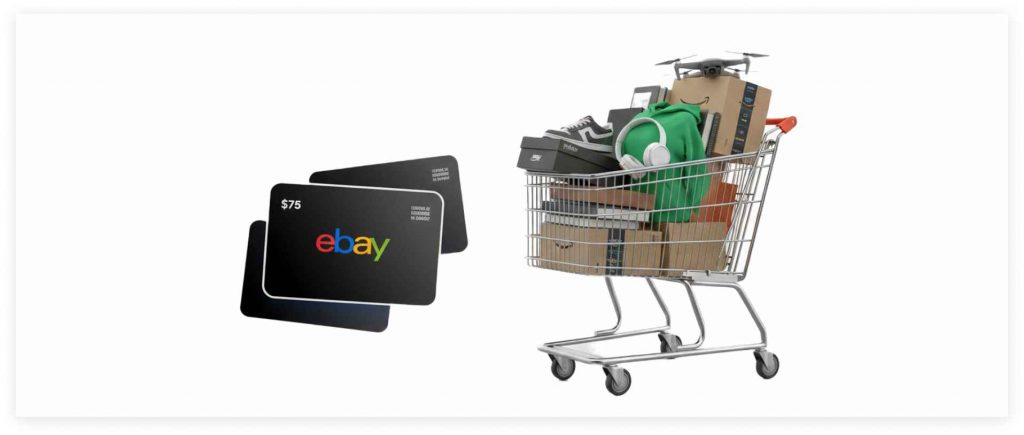
Unlike some platforms, eBay gift cards are redeemed during checkout, not added to a wallet in advance. Browse eBay and select the item you want to purchase.
Add the item to your cart and proceed to checkout.
Step 3: Proceed to Checkout
At checkout, review your order details carefully. Confirm the item price, shipping cost, and delivery options. This is where you’ll have the option to apply your eBay gift card.
Step 4: Enter the eBay Gift Card Code
On the payment page, look for the option to use a gift card. Enter your eBay gift card code exactly as shown. Once applied, the gift card balance will be deducted from the total order amount.
Step 5: Complete Your Purchase
If the gift card covers the full cost, you can complete the purchase without additional payment. If it covers only part of the cost, you’ll need to add another payment method for the remaining balance.
After completing the transaction, the used portion of the gift card is deducted permanently.
How to Check Your Remaining eBay Gift Card Balance
After redeeming part of your gift card, any remaining balance stays linked to your account. You can view it during future checkouts or in your account settings. Always keep track of your balance to avoid confusion during your next purchase.
Some users encounter issues such as invalid code messages or checkout errors. These problems usually result from entering the code incorrectly, using a previously redeemed card, or attempting redemption on an unofficial page.
Region-related restrictions may also affect certain transactions, especially for users outside the card’s primary market.
What If You Don’t Want to Shop on eBay?
Many users in Nigeria and Ghana receive eBay gift cards but don’t plan to shop on eBay. In this case, redeeming the card isn’t always the best option.
Once an eBay gift card is redeemed, it cannot be exchanged elsewhere. If flexibility is your goal, exchanging the gift card before redemption may be the smarter choice.
eBay gift cards are among the gift cards that can be exchanged in the secondary market. Platforms like ValueSwap allow users to convert eBay gift cards into cash or USDT through a secure and structured process.
This option is popular among users who want to pay bills, save value, or use funds across multiple platforms instead of shopping on eBay.
Redeem or Exchange: How to Decide
If you want to buy items on eBay, redeeming the gift card is the right move. If you prefer flexibility, exchanging it may offer better value. Understanding your goal before entering the gift card code helps you avoid irreversible decisions.
Always redeem gift cards only on the official eBay website. Never share your gift card code with anyone unless you are exchanging it through a trusted platform. Treat gift card codes like cash. Once used or shared, they cannot be recovered.
eBay’s global marketplace makes its gift cards valuable across regions. The ability to buy almost anything keeps demand strong, which is why eBay gift cards hold good resale value. This demand is what makes them useful both for shopping and for exchange.
Conclusion
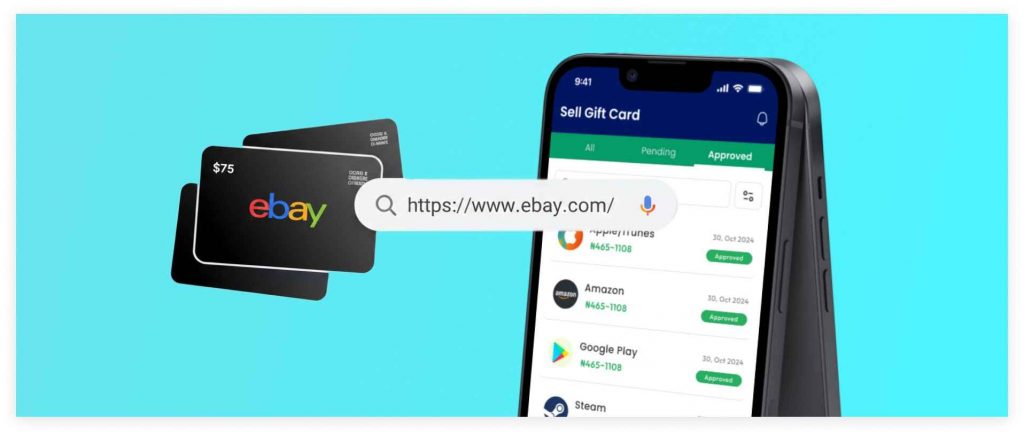
Redeeming an eBay gift card on the official website is simple when you follow the right steps. Log in, shop, apply the code at checkout, and complete your purchase securely.
If you don’t plan to shop on eBay, remember that you still have options. Platforms like ValueSwap allow you to turn eBay gift cards into cash or USDT, giving you full control over how you use your value. Visit ValueSwap today to start Trading.