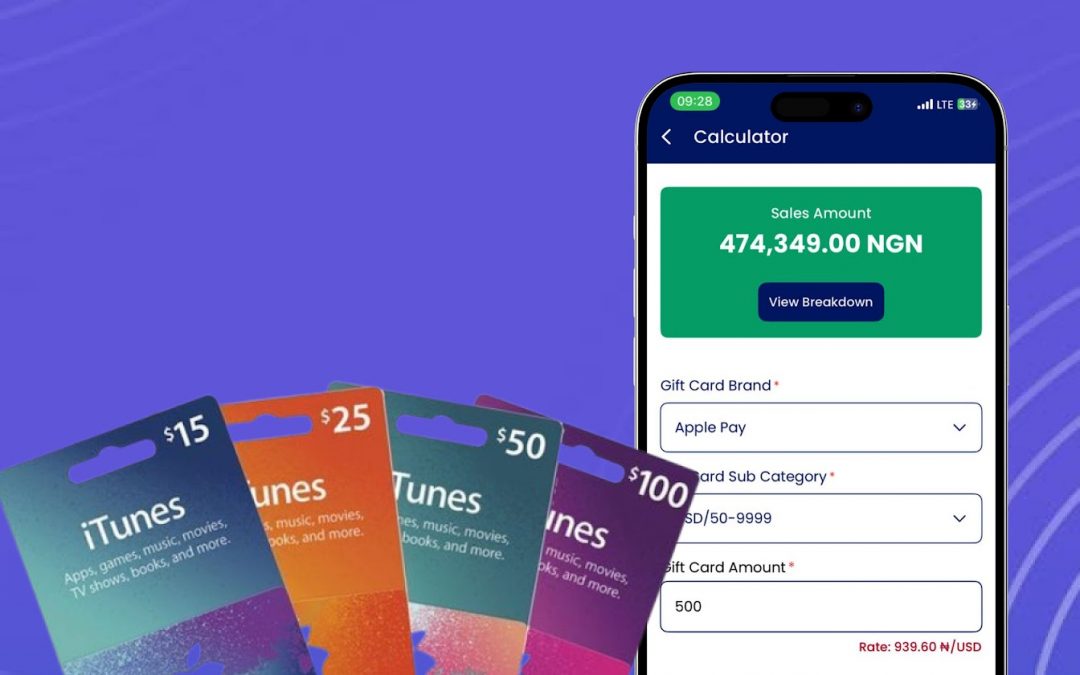
Keeping track of your Apple Gift Card balance is quick and straight forward. With an Apple Gift Card, you can access a wide range of Apple products and services even as a Nigerian or a Ghanaian, from the latest devices and accessories to digital content like music, movies, apps, and books. Monitoring your balance helps you plan your spending and make the most out of your Apple experience.
What Is an Apple Gift Card?
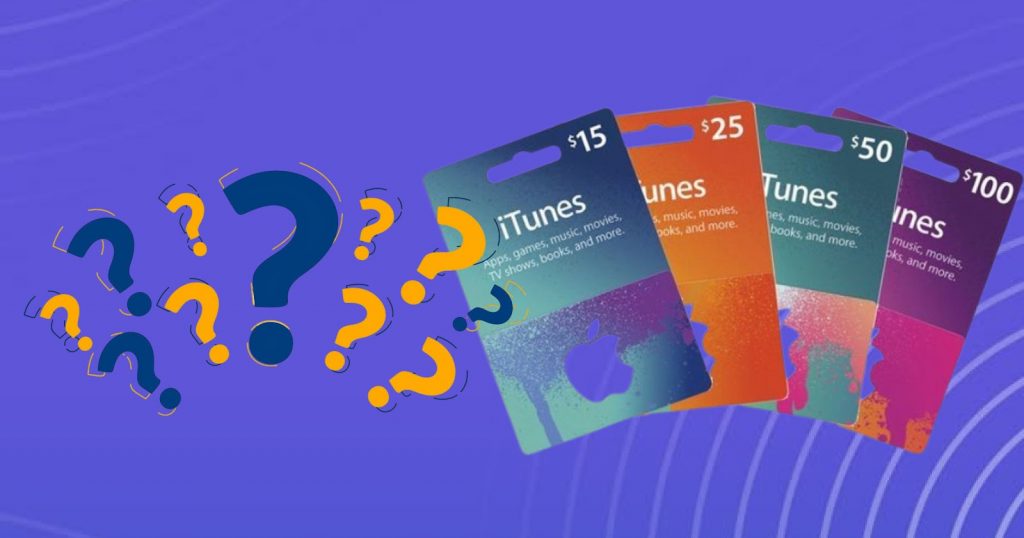
An Apple Gift Card is a prepaid card that can be used to purchase virtually anything Apple sells. There are two types:
· Physical Card: A plastic card loaded with a custom amount, similar to a debit or credit card.
· Virtual Card: A digital code you can redeem on the Apple website by entering the code in the “Redeem” section.
Note that While the virtual card works for online purchases, its use is limited to Apple’s official platforms.
What Can You Use an Apple Gift Card For?
it is No news that apple product has a wide market reach in Nigeria and Apple Gift Cards are incredibly versatile. You can use them to:
· Purchase digital content such as music, movies, apps, or books.
· Buy Apple hardware like iPhones, iPads, MacBooks, and more.
An Apple Gift Card allows you to seamlessly upgrade to the newest Apple devices or dive into a variety of digital services like music, movies, and apps. It provides the flexibility to explore and enjoy the full range of Apple’s products and offerings, making it simple to enhance your tech experience exactly how you want.
How to Check Your Apple Gift Card Balance Without Redeeming It
As a Nigerian or someone living in Accra Ghana, You can check your Apple Gift Card balance without redeeming it by following these steps:
- Visit the Apple Gift Card Balance page.
- Log into your Apple account if prompted.
- Click on the “Check Balance” option located at the top-right corner.
- Enter your gift card code in the designated field.
- Click “Check Balance” to view the remaining funds on your card.
This method allows you to confirm your balance without applying the card to your Apple ID.
Where Can You Use an Apple Gift Card?
You can use your Apple Gift Card in lots of ways across Apple’s services. Want to buy extra iCloud storage or subscribe to Apple Music? No problem. You can even shop with some third-party stores that accept Apple Pay. All you have to do is redeem your gift card by adding the balance to your Apple ID. Then, whenever you’re ready to make a purchase, just pick “Apple ID Balance” at checkout, and the money will be taken from your gift card automatically, super easy and convenient.
How to Activate an Apple Gift Card
Activating your Apple Gift Card is quick and straightforward. For physical cards, simply follow the activation instructions printed on the back of the card or visit Apple’s official website to activate it online. If you received a virtual Apple Gift Card, the activation details will be provided in your email. You can also activate your gift card in person at any Apple Retail Store or Apple Authorized Service Provider (AASP). Once your Apple Gift Card is activated, it’s ready to use immediately, allowing you to start shopping for Apple products and services without delay.
Conclusion
Regularly checking your gift card balance, whether Apple, Google Play, or any other is essential. Thankfully, Apple makes the process easy and fast. You can log into the Apple website and enter your card number to get an accurate balance update.
If your card is linked to your Apple ID, you can also check your balance via the Apple Store app or even ask Siri. By staying informed about your Apple Gift Card balance, you’ll be better equipped to manage your purchases and take full advantage of what Apple has to offer.
Keep the community
Stay connected with ValueSwap for the latest updates, exclusive offers, and expert tips on gift card trading. Have questions or need support? Reach out to us anytime via email at [email protected] or chat with our team instantly on WhatsApp here. Don’t forget to follow us on social media to keep up with exciting news and helpful content: catch our videos on TikTok, join the conversation on Facebook, subscribe for tutorials and updates on YouTube, and stay informed with real-time posts on Twitter. Connect with ValueSwap today and take your gift card experience to the next level!